
MessageBox
Get a ready-made MessageBox component on Avalonia UI framework.
Explore the capabilities, screenshots, features, and resources for this control.
Overview
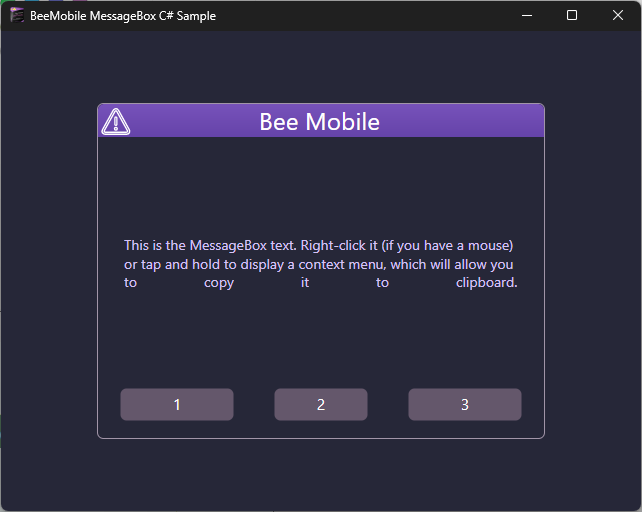
MessageBox is Avalonia UI Framework based TemplatedControl. Use it to display a graphical text-based prompt to inform him about an important event in your application (warning, error) or to prompt him how the application should continue its execution.
MessageBox is extremely easy to use. There are two steps:
- Add it as NuGet package to your project.
- Invoke it by calling its static Show(…) method.
That’s it! It comes in different color styles and has been tested on Windows 10/11 OS, Ubuntu Linux, Torizon OS and Android OS.




NuGet
The trial version of MessageBox component can be downloaded from NuGet Package manager.
Link to NuGet Gallery: BeeMobile.MessageBox.AVA
Resources
Documentation opens in a new tab.