
TouchList
Finger-scroll through simple or advanced item lists with this control.
Explore the capabilities, screenshots, features, and resources for this control.
Overview
The TouchList component is a radical improvement over the old-fashioned list-view control which allows you to scroll through and select lists with ease, available in a variety of styles. You can use TouchList in three ways:
- Create simple lists of data (with data binding the whole process takes just a few lines of code)
- Create advanced lists of data (each row can contain several strings of text, images, check boxes, etc.)
- Create linear menus with popular left-to-right or right-to-left slide effects
Screenshots
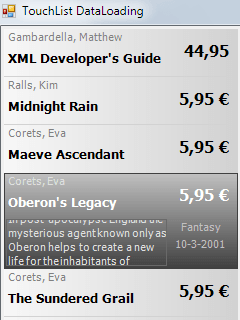
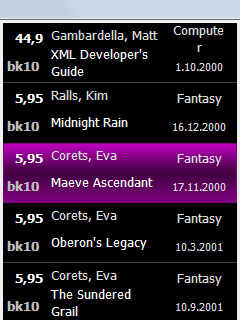
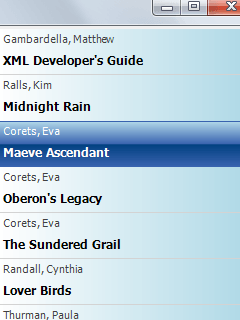
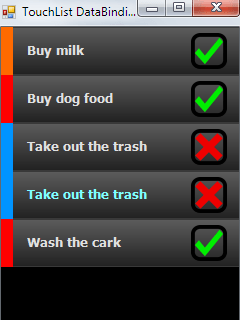
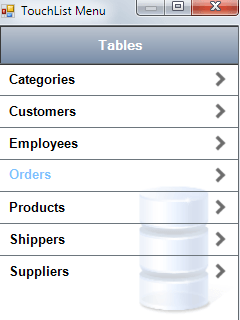
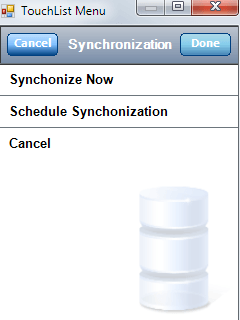
Features
- Double-buffered
- Displays multiple pieces of data within a single row
- Finger-scrolling
- Background image
- Displays transparent PNG images
- Uses gradient-filled regions for cursor
- Check boxes and buttons
- Data binding
- Animated sliding capability