
OpenSaveDialog
Browse file system with this GUI component and let the user pick a file or folder.
Explore the capabilities, screenshots, features, and resources for this control.
Overview
OpenSaveDialog is a cruical component to saving/loading data to/from files that are stored in a file system. And even though modern OSes tend to hide file system structure from its users, a file system still is an immanent part of every OS.
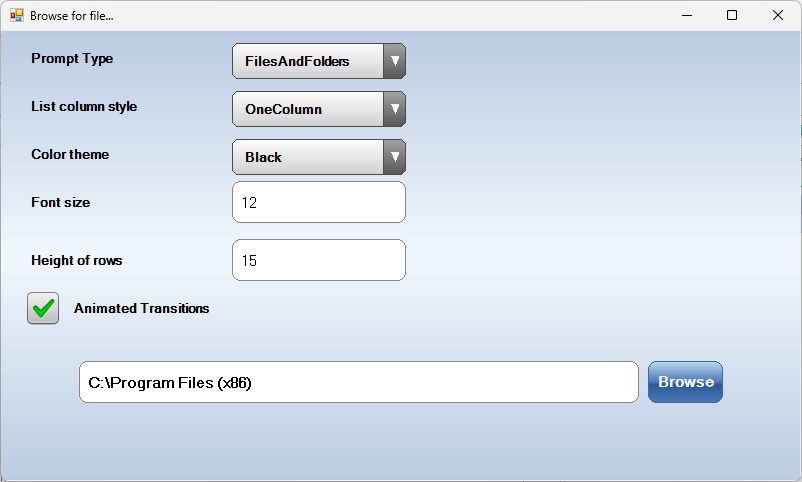
Bee Mobile OpenSaveDialog is easy to use. Just put it on your form and then invoke a one method to show it is a dialog window. Once its task is done, use its properties to retrieve path or file name (or both) of folder/file the user chose.
OpenSaveDialog allows you to specify custom icons for your favourite file types.
OpenSaveDialog supports root folder protection. Specify a folder, which OpenSaveDialog will treat as a root folder and won’t allow the user to browse above it. Useful, if you want to give your user access to only a subset of your file system.
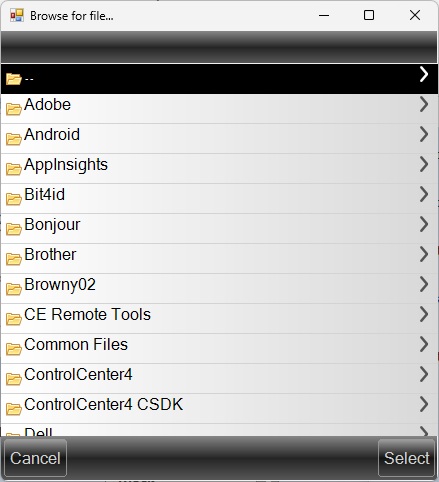
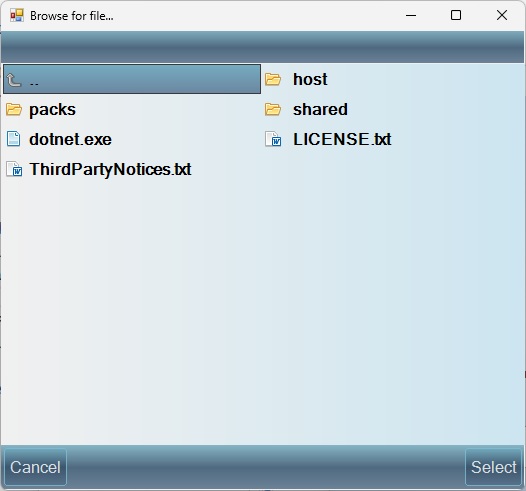
OpenSaveDialog supports animations and color themes.
File system content can be displayed either in one column or in two columns (useful for landscape display orientations).
OpenSaveDialog supports browsing for folders only, files only and for files and folders.
Screenshots
Features
- Supports color themes.
- Can be displayed in two modes: single column list and two columns list
- Browse for: files only, folders only, files and folders
- Supports root folder: disallows user from browsing above specified folder - protects your file system from unwanted access
- Supports fancy animation.