
Runtime requirements
iDesk and aPack target different software stacks. Before preparing the board, choose the runtime environment that matches the product and application architecture.
| Product | Runtime | Typical embedded approach |
|---|---|---|
| iDesk | Mono Runtime | Embedded Linux OS image with Mono included, typically built with Yocto or installed into the target image. |
| aPack / Avalonia | Microsoft .NET | Embedded Linux with Microsoft .NET installed, commonly using a container-based deployment model on supported boards. |
F&S boards are used for scenarios where the operating system image is built and customized with Yocto. This path is especially relevant for iDesk deployments that require Mono Runtime to be included in the final Embedded Linux image.
Boards we tested with iDesk
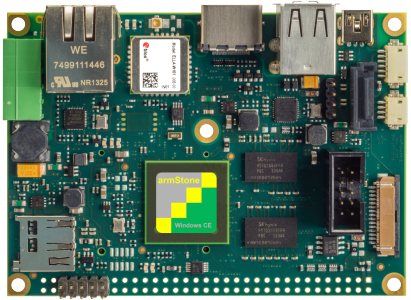
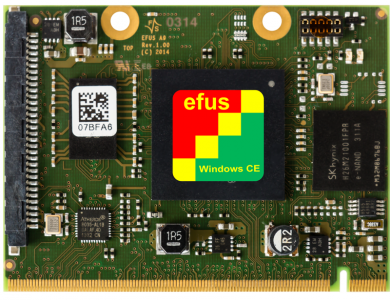
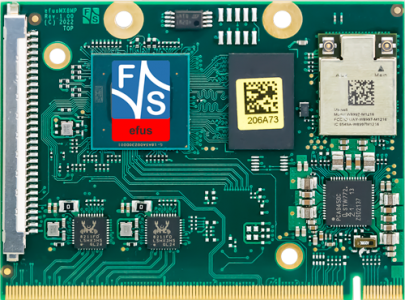
Toradex boards are used for container-based deployment scenarios. This approach is useful when deploying runtime environments such as Mono or Microsoft .NET as part of a managed container workflow.
- Prepare and manage containers on Toradex
- Deploy a Mono Runtime container for iDesk scenarios
- Deploy a Microsoft .NET container for aPack / Avalonia scenarios
Embedded Linux support
Need help preparing your embedded platform?
We can help prepare Embedded Linux images, configure runtime environments, build Yocto-based systems, set up containers, and validate Bee Mobile products on your target hardware.