F&S Board Preparation: armStone A9
This article currently describes the preparation process for the
F&S armStone A9
board. Additional F&S board preparation notes may be added later for efus A9 and efus MX8MP.
Required and optional accessories
To start software development with the F&S armStone A9 board, you should first prepare the required accessories and peripherals listed below.
The following items are recommended before you begin setup, console access, image deployment, and development work.
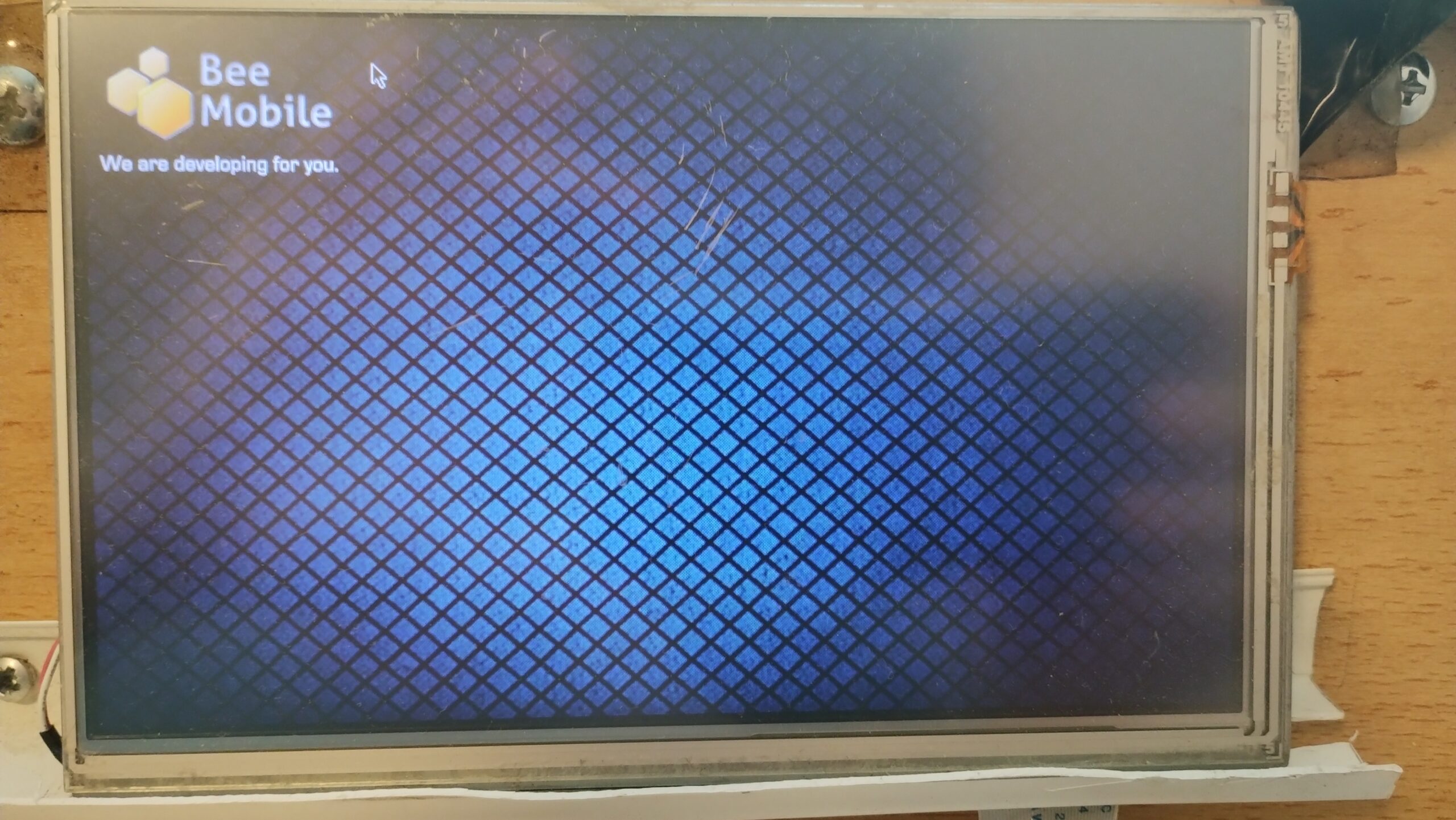
Display Unit
A compatible display panel used to interact with the board during development, boot verification, and application testing.
Required
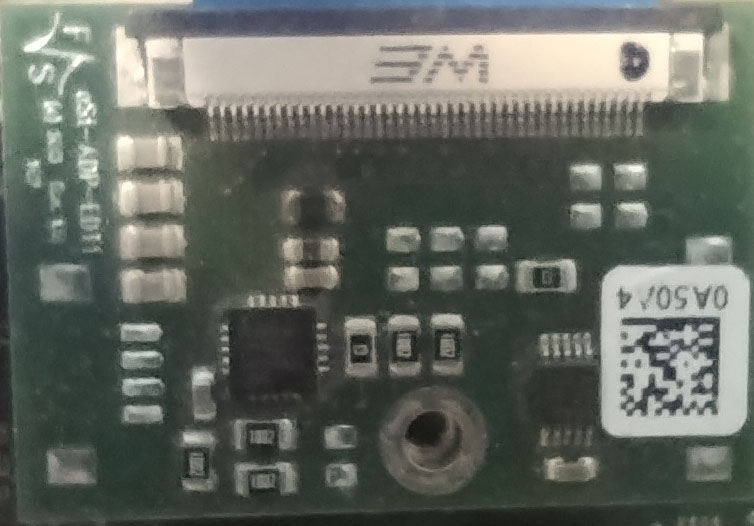
Display Cable & Adapter
Required to connect the selected display unit to the armStone A9 board. Confirm compatibility with F&S for your exact setup.
Required
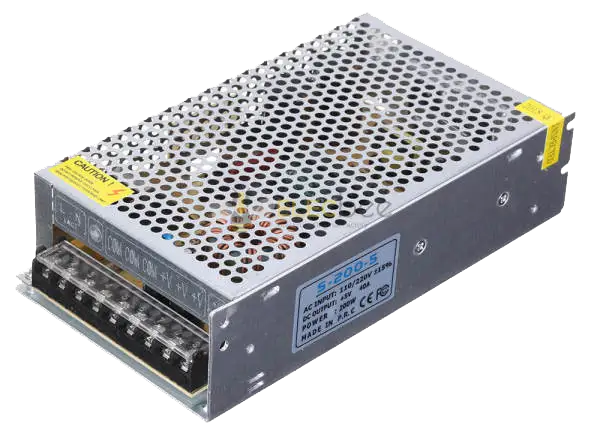
Power Supply
A suitable power source for the board. Use the specification recommended by F&S to avoid unstable behavior during development.
Required
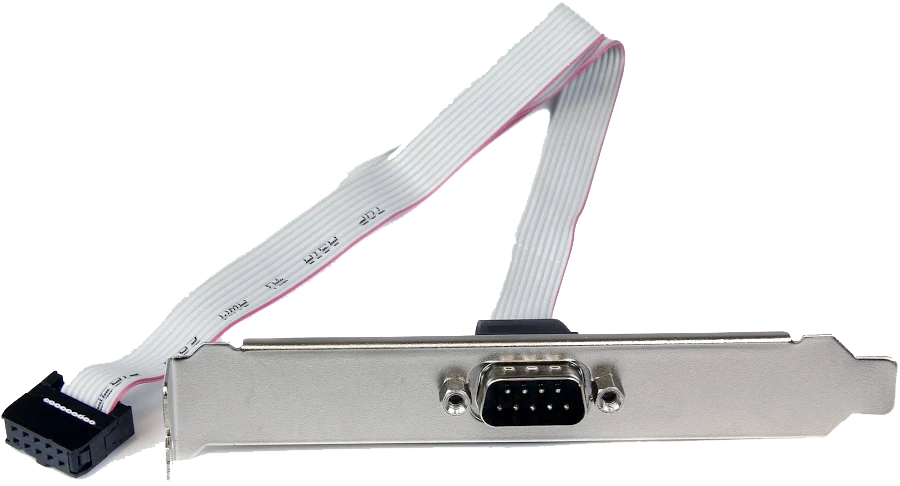
COM / Serial Cable
Needed for serial console access, debugging, and monitoring boot output during board bring-up and operating system deployment.
Required
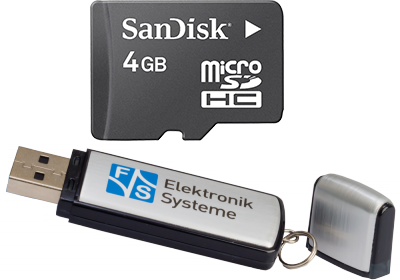
Micro SD Card or USB Storage
Used for image storage, boot media, or file transfer depending on the selected board setup and deployment workflow.
Required
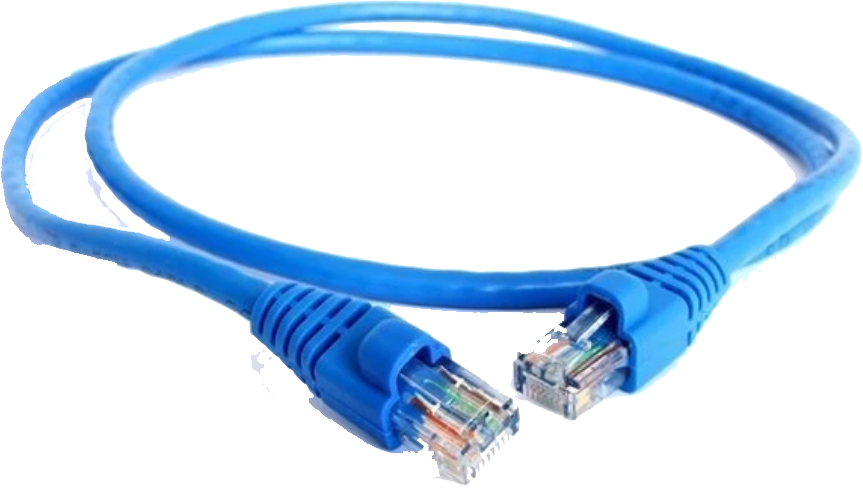
LAN Cable
Provides network connectivity for system setup, deployment, package access, remote communication, and testing.
Required
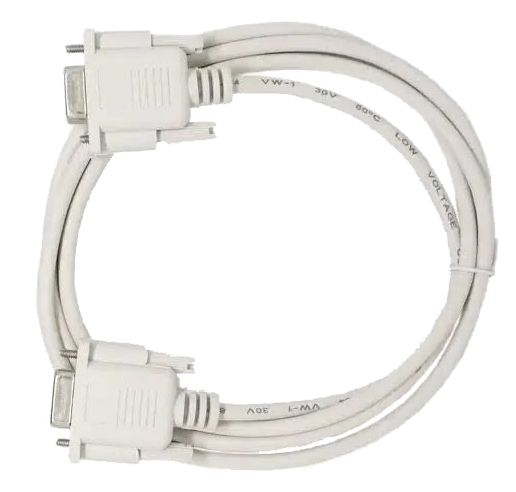
Serial Cable
Connects your armStone A9 board to your development computer over serial link interface.
Required
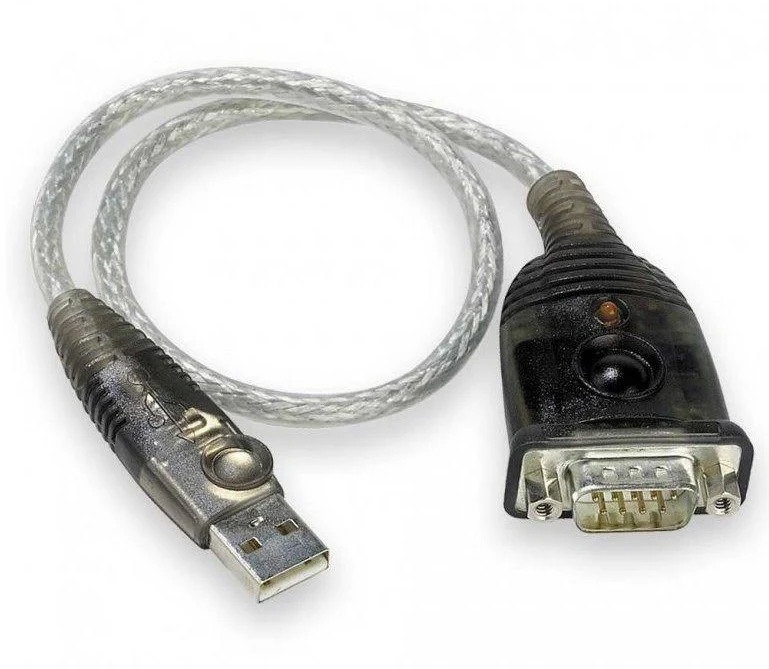
USB to serial adaptor
Most modern PCs are not equipped with serial interface. If that’s your case, you will need an adaptor.
Optional
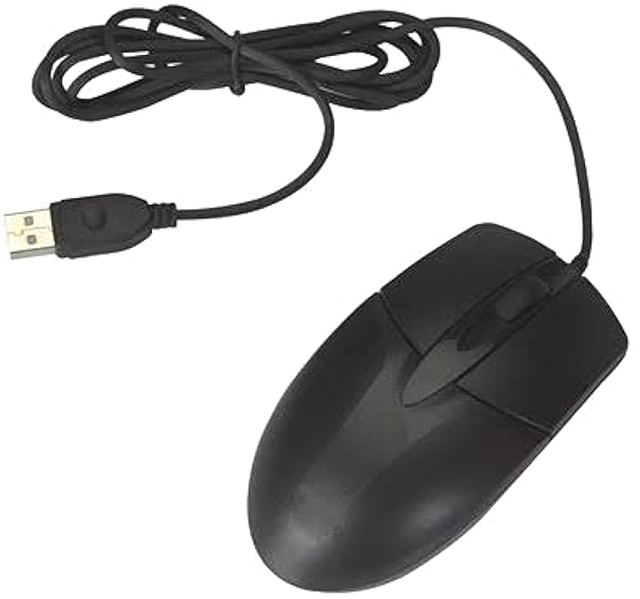
USB Mouse
Helpful for user-interface interaction and validation when the board is connected to a display.
Optional
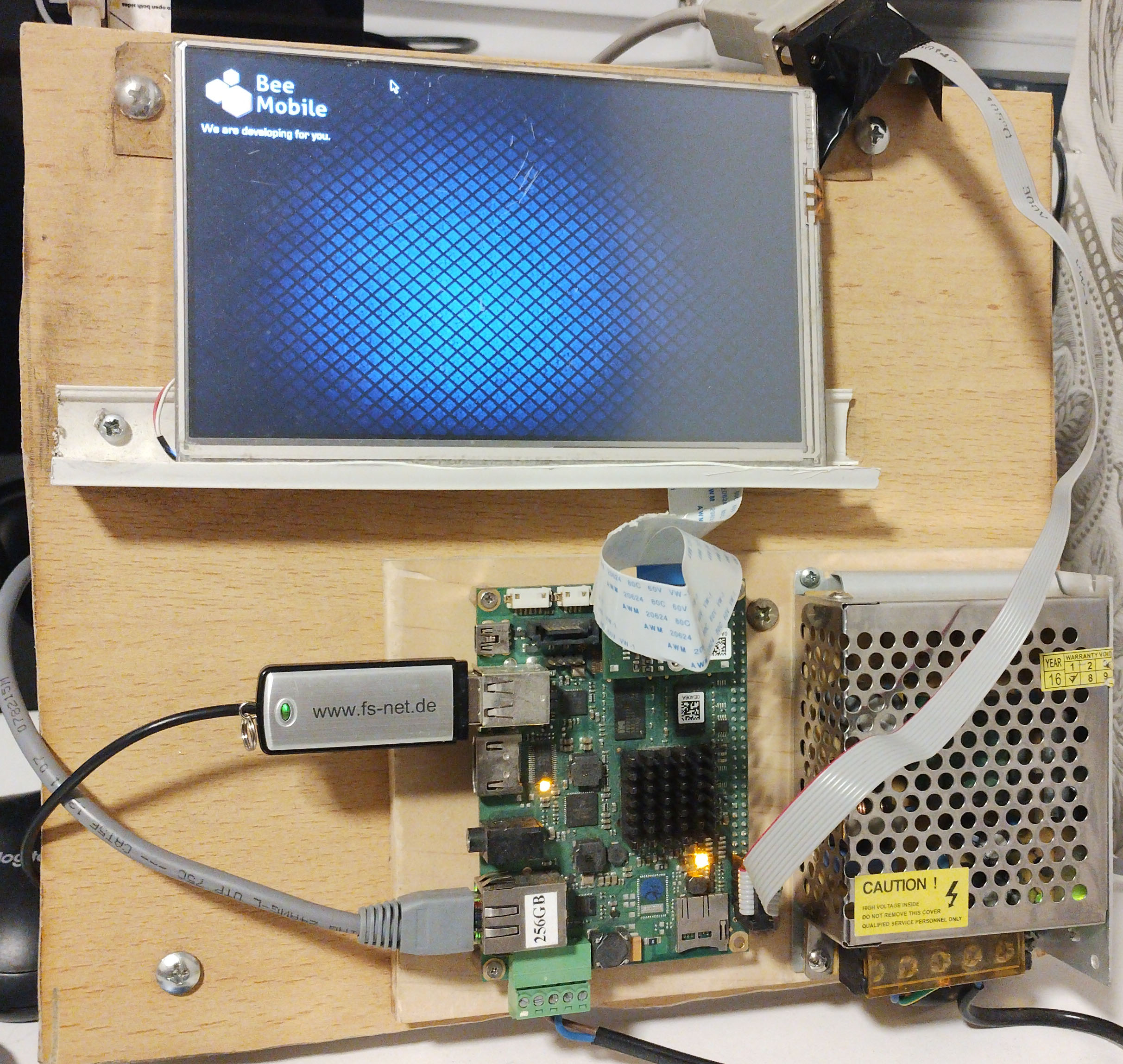
Fully assembled setup
Example of a complete development setup
The image below shows an example of the F&S armStone A9 board fully assembled together with the typical accessories required for development and testing. This kind of setup is suitable for bringing up the board, preparing the operating system, testing user interaction, and deployment of iDesk sample projects.
- armStone A9 board
- Compatible display unit with adapter and cable
- Power supply
- COM / serial cable for console access
- LAN connection
- Micro SD card or USB storage
- USB mouse for interaction and testing
Depending on your exact board revision and display combination, some accessories may differ. Always verify compatibility with F&S documentation or with F&S support directly.
For the display unit and display adapter, it is best to contact F&S directly to confirm compatibility with your exact armStone A9 configuration.
Documentation notice
Information may change over time
Technical details on this page may change as vendor tools, board support packages, operating system images, and runtime versions evolve.
This page was last technically reviewed on May 3, 2026. If your setup differs from the one described here, please contact us for help.